
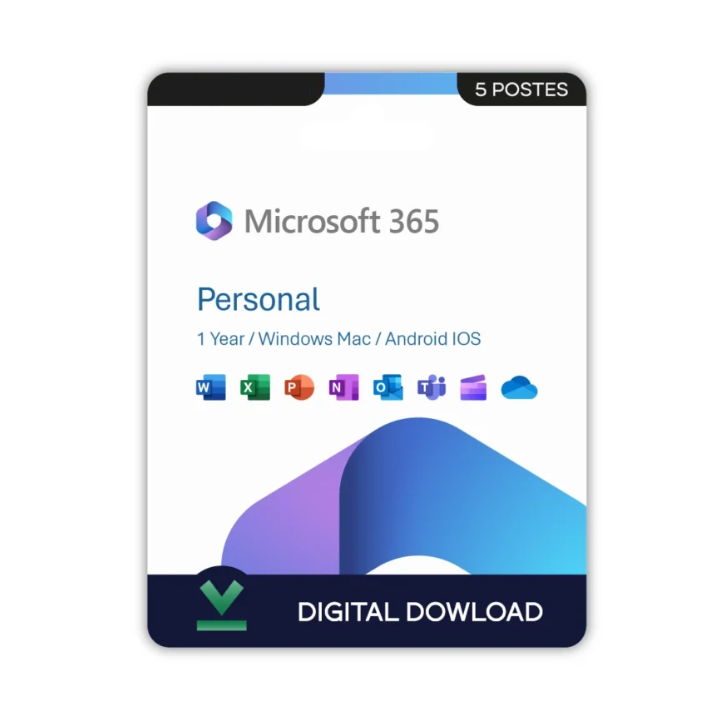
Office 365 Personal - Licence perpetual
Details
☑ Product key with official download link
☑ Lifetime access – No subscription required
☑ Compatible with Windows PC only
☑ For use by one person on one device
This Product Includes
Office 365 Personal US
Enjoy powerful productivity and premium protection — all in one bundle.
What's Included
☑ Office 365 Personal US Edition
Activate and enjoy the latest version of Office 365 Personal for 1 user, compatible with Windows, Mac, iOS, and Android.
Includes:
☑ Microsoft Word
☑ Microsoft Excel
☑ Microsoft PowerPoint
☑ Microsoft Outlook
☑ Microsoft OneNote
☑ 1 TB of OneDrive cloud storage
☑ Ongoing security updates and feature enhancements
☑ Works with your Office account (US region)
System Requirements
☑ Processor: 1.6 GHz or faster, dual-core processor
☑ RAM: 4 GB or more (64-bit), 2 GB or more (32-bit)
☑ Storage: 4 GB available disk space
☑ Graphics Card: DirectX 10 compatible graphics card
☑ Display: 1280 × 768 resolution or higher
☑ Operating System: Windows 11, Windows 10, or the latest three versions of macOS
☑ Internet: Internet connection required for activation, subscription management, updates, and access to cloud-based features and services.
Activation Details
1. Receive Your Product Details
☑ After your purchase, you will receive your Microsoft 365 Personal product key along with activation instructions.
2. Sign In to Your Microsoft Account
☑ Visit https://setup.office.com and sign in with your Microsoft account. If you do not have one, create a new account and proceed.
3. Redeem Your Product Key
☑ Enter the product key provided with your purchase and follow the prompts to redeem your Microsoft 365 Personal subscription.
4. Download and Install Microsoft 365
☑ Once the subscription has been added to your account, download and install Microsoft 365 on your device by following the on-screen instructions.
5. Complete Activation
☑ Open any Microsoft 365 application such as Word, Excel, or PowerPoint and sign in with the same Microsoft account used during redemption. Your subscription will activate automatically.